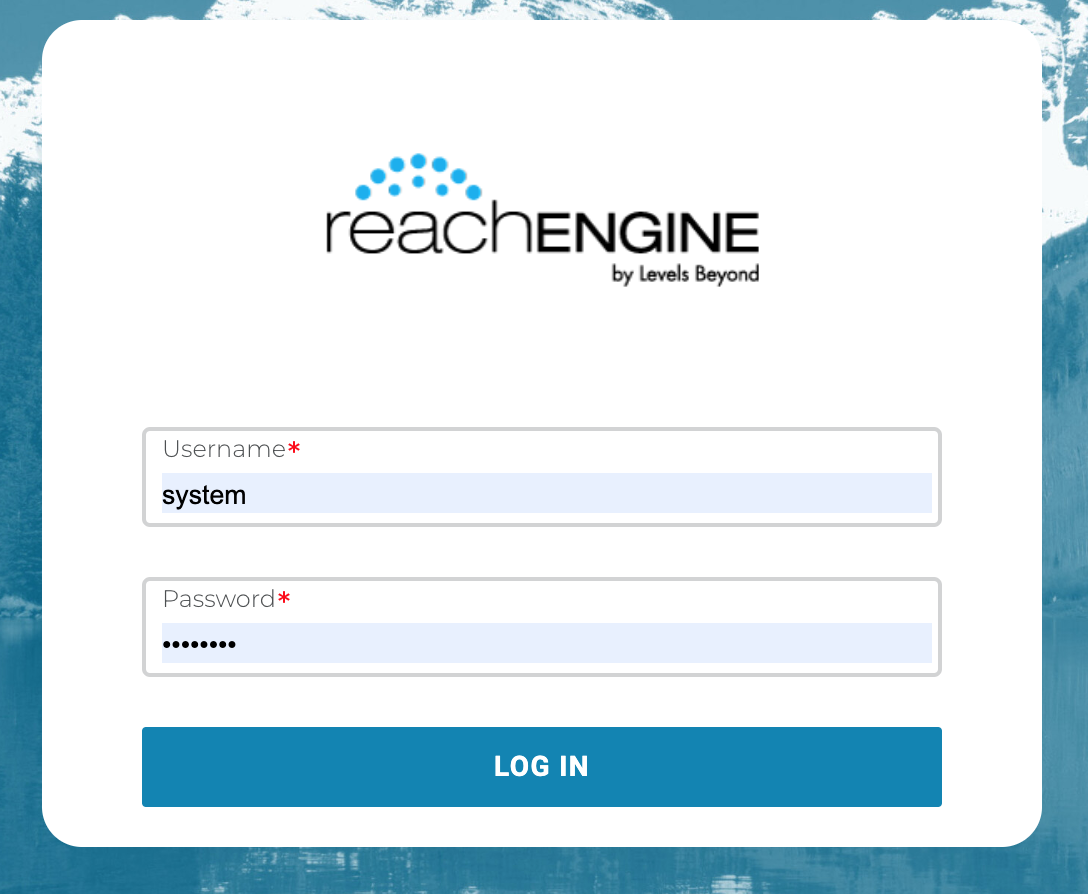
With application security taking center stage in most organizations a simple login has become the most important component of your system and an active participant in your company’s security policies.
Reach Engine offers a secure login, as well as support for LDAP and SAML identity providers.
💡
Note: If another user shares a direct link to an asset, you must log in before accessing the content.
Reach Engine Authentication
To log into Reach Engine, open a browser and enter the IP address or URL assigned to your Reach Engine instance.
Enter your user name and password to access Reach Engine.
Single Sign-On (SSO)
Your organization may have set up Reach Engine to use single sign-on (SSO) with your LDAP, Okta, Ping, or other SAML identity provider that your organization uses for authentication.
If so, contact your IT organization for more information about how to log into Reach Engine using SSO.
💡
Note: When SSO is enabled, your password is controlled according to your corporate IT policies. You cannot change or set a different password for Reach Engine.
SAML Authentication
SAML is an XML-based standard for web browser single sign-on and is defined by the OASIS Security Services Technical Committee.
When SAML is enabled, click the Log In button then enter the necessary credentials for your account.
Amazon Cognito Authentication
Amazon Cognito is available for AWS-deployed customers. Cognito users must enter their Cognito credentials to log in. The first login of a new Cognito user requires the user to reset their password using the temporary password sent to them by the Cognito Service.📘Logging in with Amazon Cognito