Logging in with Amazon Cognito
Amazon Cognito is an identity platform for web and mobile applications. When your Reach Engine is configured to work with Amazon Cognito you will be authenticating using your company’s Amazon Cognito verification tools. Cognito’s information is then shared with Reach Engine providing you security and access.
Logging In
To log into Reach Engine:
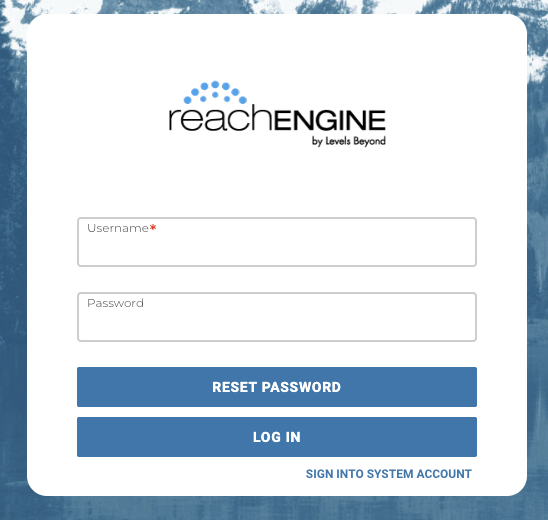
- Open Reach Engine landing page by entering the IP address or URL associated with your Reach Engine instance.
- Enter your user name and password
- Click Log In.
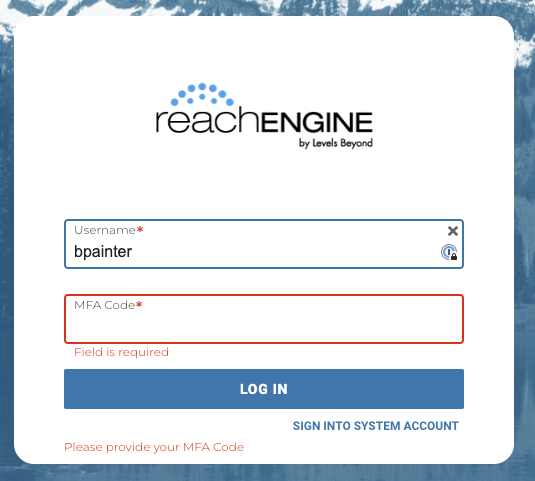
- Once you log in, you will receive an SMS message on your device with a one time MFA code. Enter the provided MFA Code
💡
Note: If you do not receive your MFA Code within 5 minutes, contact your company’s Cognito Administrator.
Reseting Your Password
Unlike other SSO offerings AWS Cognito allows you to request a password reset directly from the user interface. If you have forgotten your password click Reset Password, and follow the prompts.
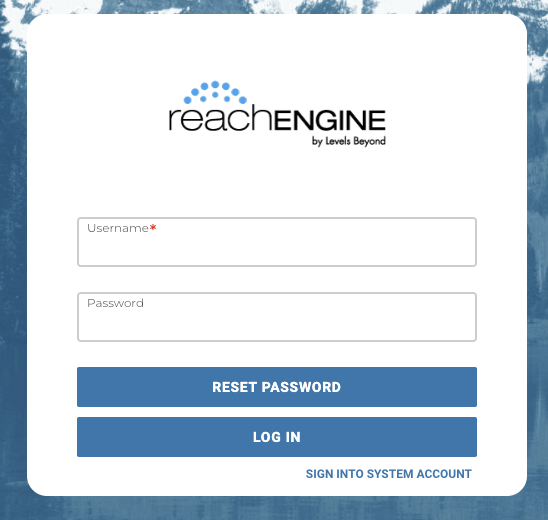
After setting a new password, log in using the new user name and password. You will receive an email confirming that your password was changed.