User Page
The user page has been updated to provide the user more options when determining how their Reach Engine interface should be viewed for optimal working conditions
Configure View
Configure your user preferences while working with Reach Engine”
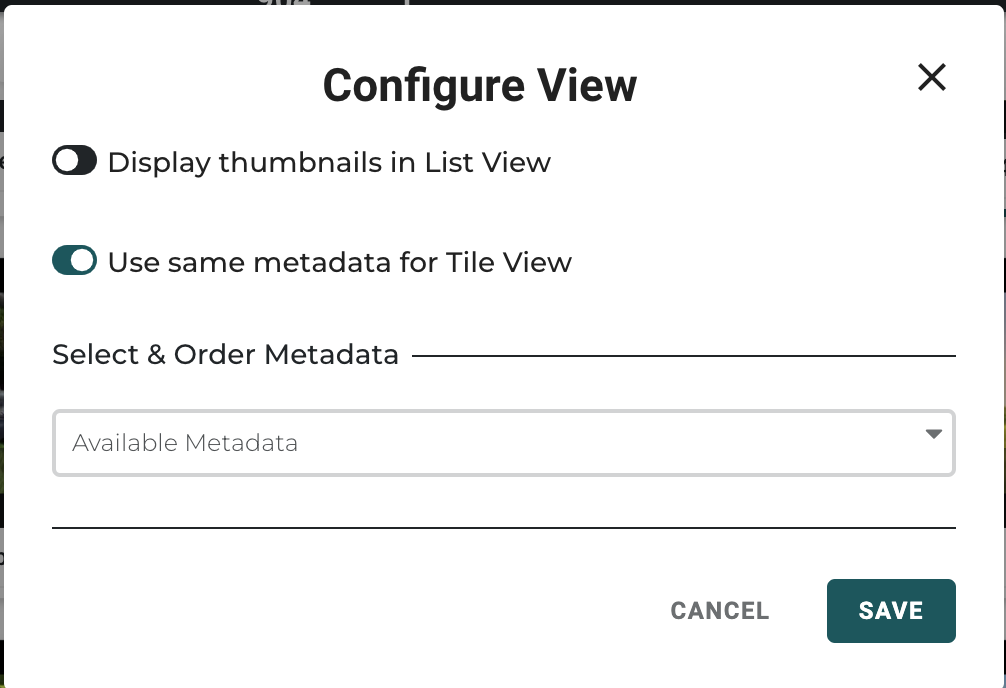
- Display thumbnail images while in list view in on your Library Page
- Include the preferred metadata view while in Tile View
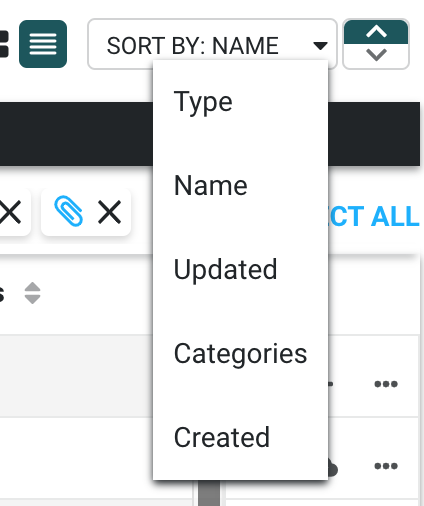
- Select the metadata columns you would like to display and make them available for sorting while in list view
- Type, Name, Updated, and Created are default sort/view columns
Change Password
💡
Note: If single sign-on is enabled by your administrators, Reset Password is disabled. You must manage your password through your identity provider.
To change your password:
- Select the User icon then Reset Password
- Enter your current password.
- Enter your new password twice.
- Select Confirm. The button text changes to Working on it, so that you know the action is happening.
- Email will be sent to your configured account to confirm