Video Assets
Reach Engine can provide previews of ingested video assets, and provides additional file information such as duration, file name, and number of clips.
SMTPE formatted timecodes are rendered in time of day instead of milliseconds for frames for both the playhead display and the mouse hover tool tip. You can also specify a thumbnail image by selecting the camera icon when desired frame is displayed.
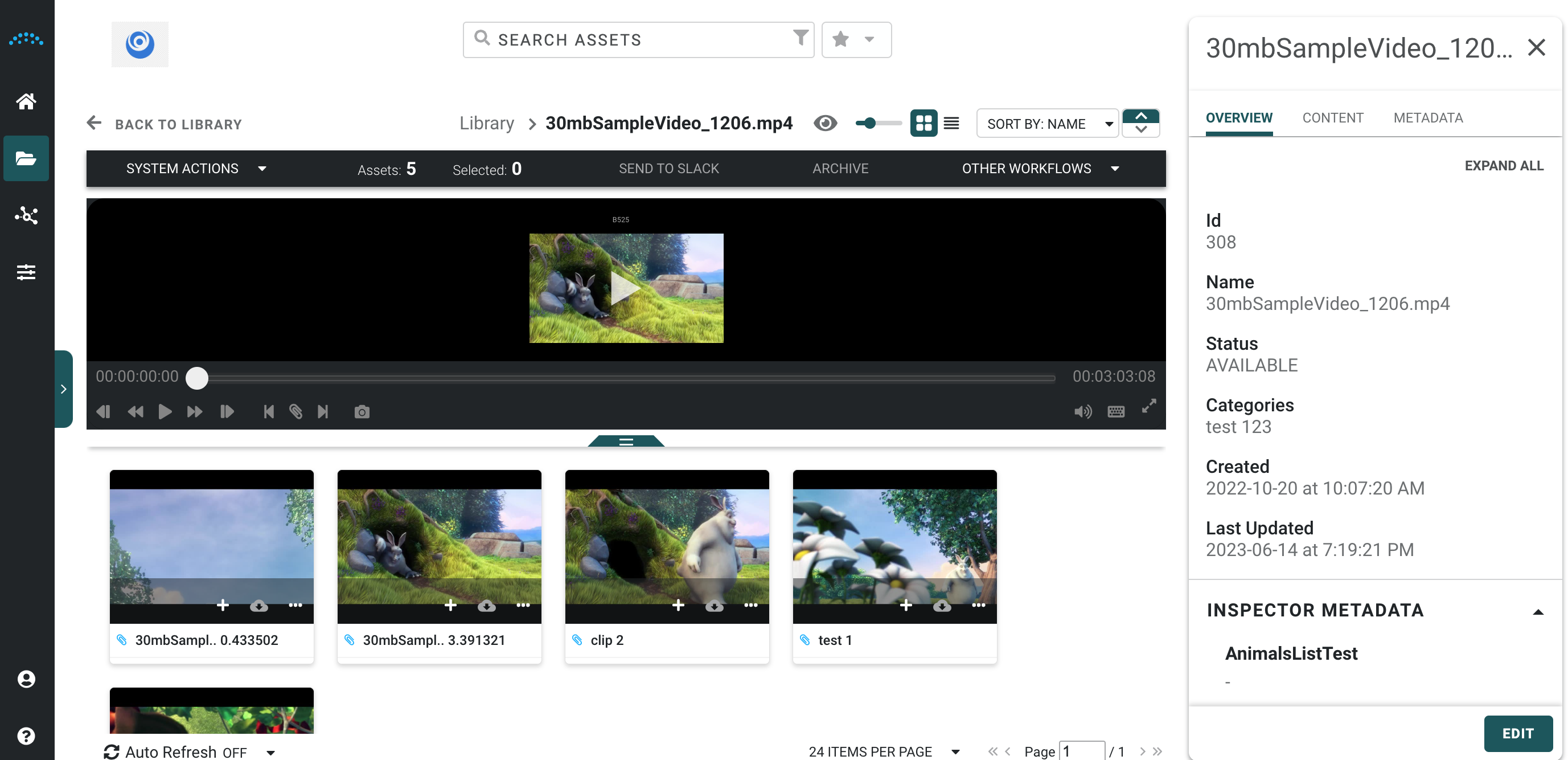
Viewing Video Files
When viewing a video in the library, a playable proxy of the parent video is automatically shown in the main video player, along with all associated clips created from the main video.
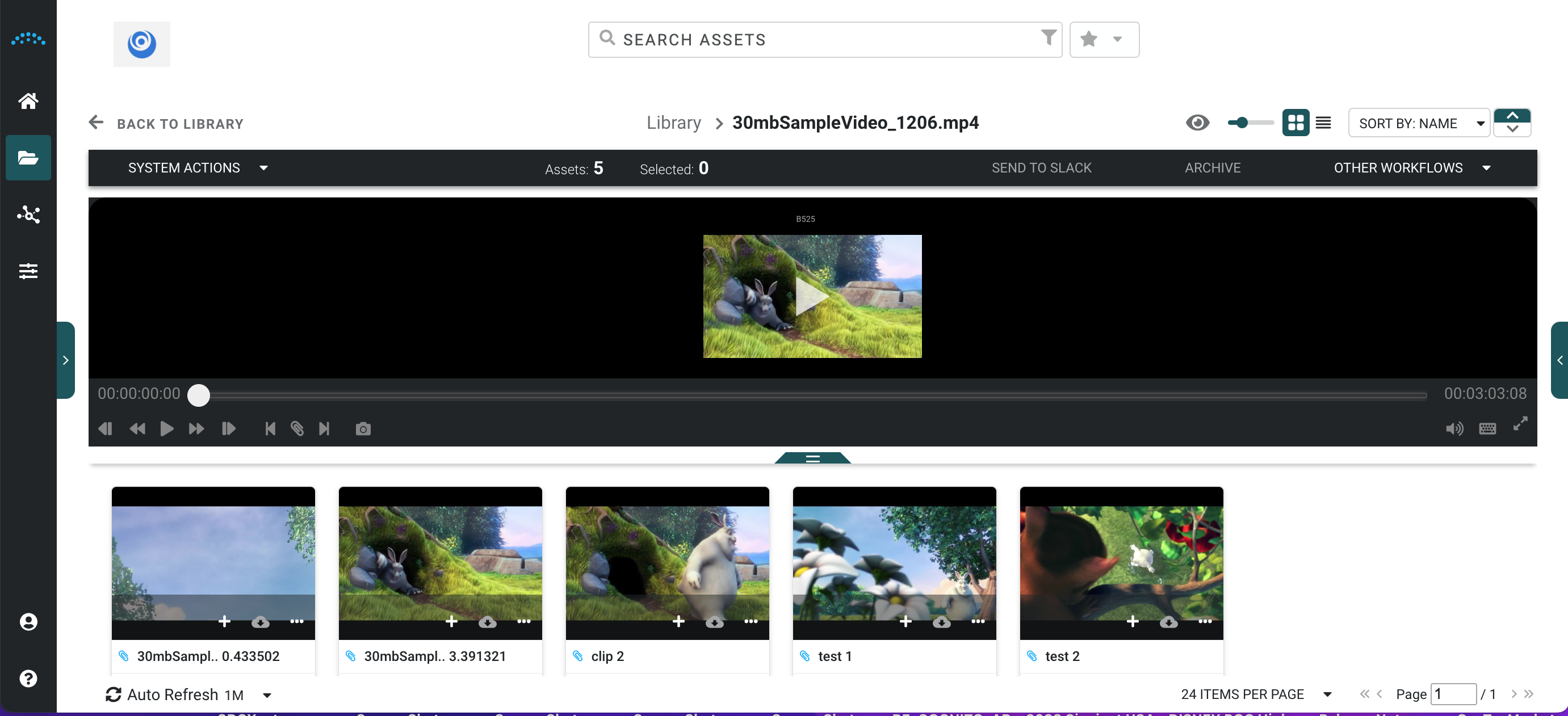
To quickly view video content scrub forward and backward or double click to move video playhead
- The video player can be resized by dragging the resize bar at the bottom of the video player
Video Clip
Clips are displayed below their source video
When a clip is selected the clip reference is shown in the video play as a blue bar between mark in and mark out
In the Inspector Panel, you can see what Parent Video it was taken from under the Relationships tab.
