Image Assets
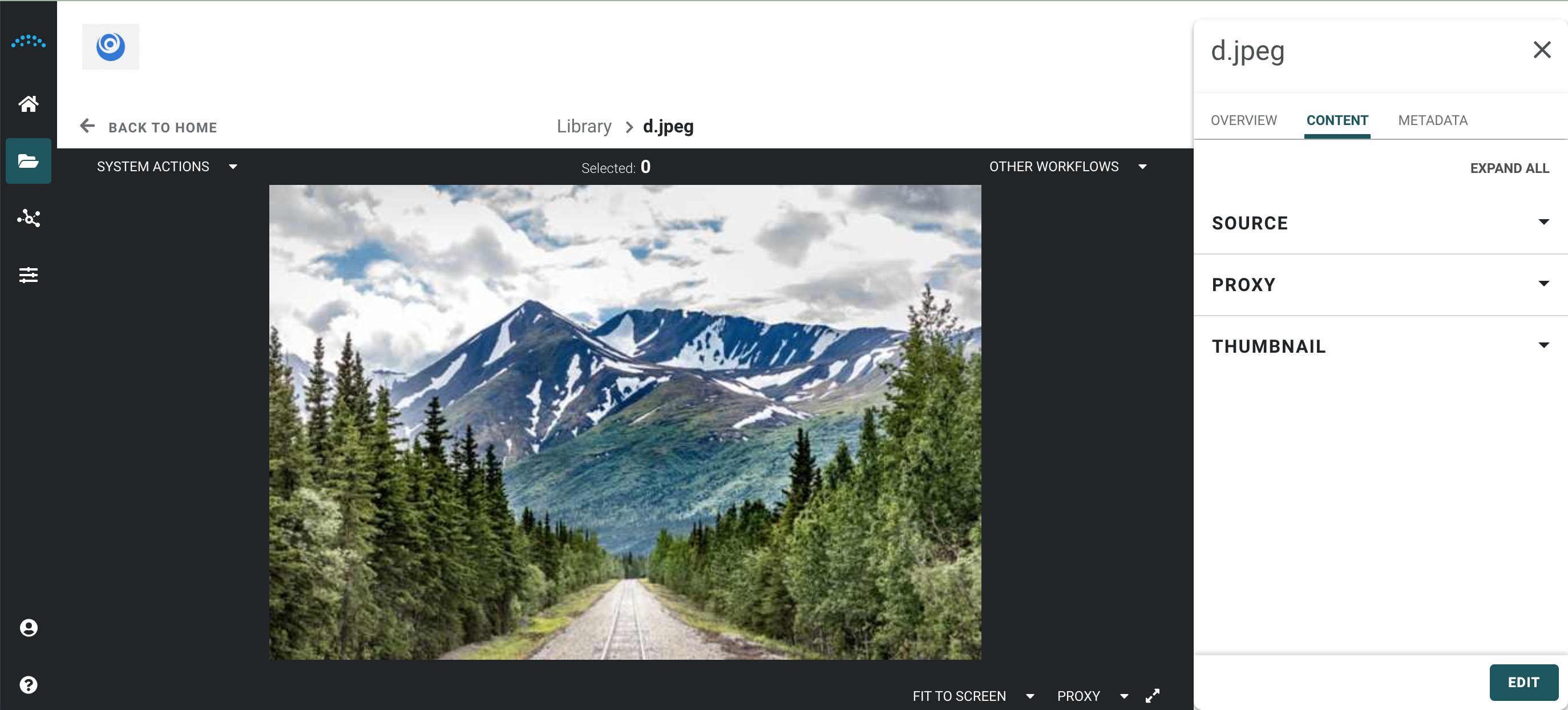
When an Image asset is opened, image details, the proxy version of the image, and source content are displayed in the inspector panel, allowing them to take image-specific action on the asset.
High resolution images automatically generate a lower resoltion proxy preview in the Reach Engine preview panel. Users can select to preview the proxy version, or view the full resolution version of an image.
💡
Note: Selected source and image sizes are retained and may impact future viewing during login sessions or upon re-entry.