Workflow Groups
Workflow groups can be used to group together and set context for end users. Examples may be to group workflows for an activity like distribution, a team such as post finishing, or for external vendors such a captioning submissions.
Click Workflow Groups in the left menu under Storage to view the current workflow group list.
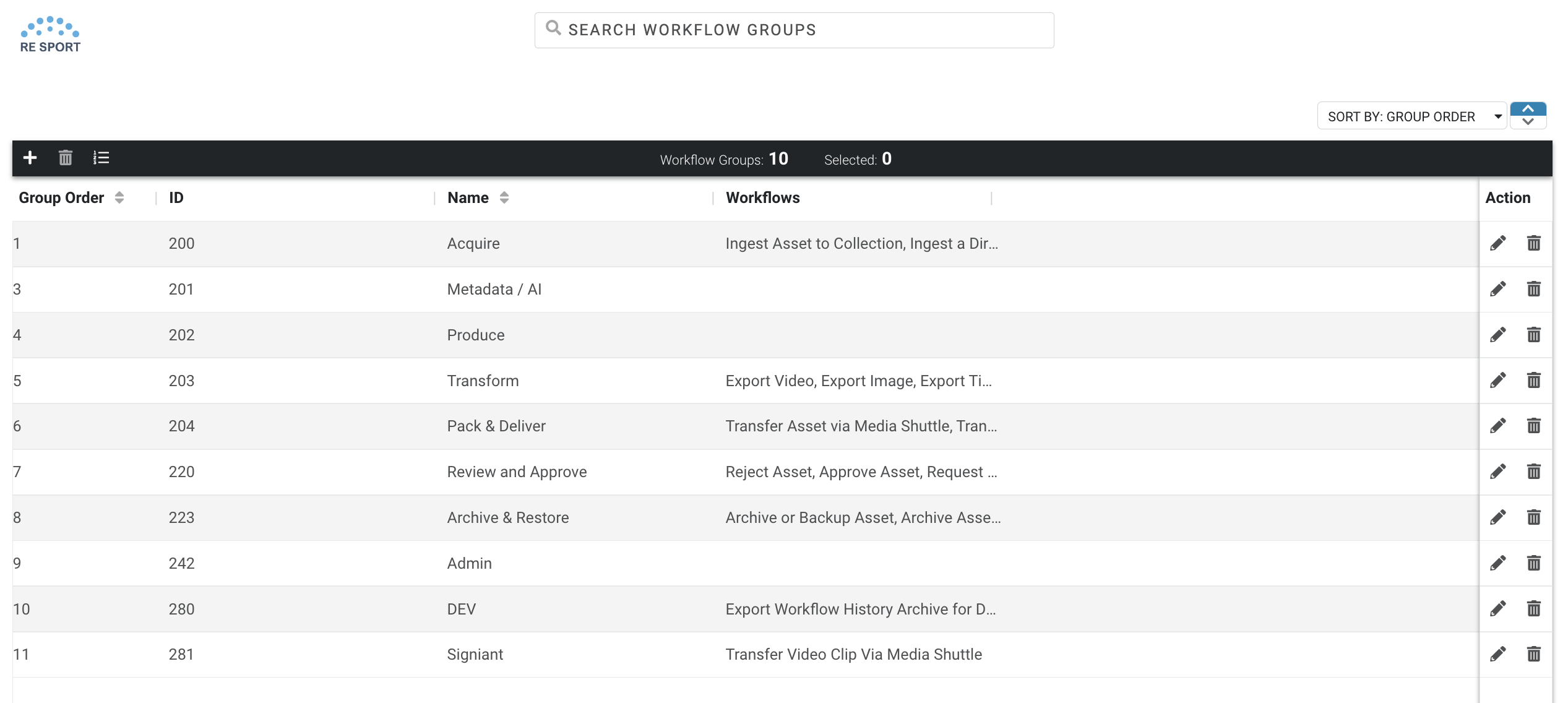
- To create or edit an existing workflow group, click + icon the Edit icon in the Action column. Make the necessary changes and click Save.
- To delete an existing path mapping, click the Delete icon in the Action column.