Schedules
Workflow schedules can be created to kick off specific workflows at a target day/time. This allows housekeeping and heavy load workflows to be run by organizations during off work hours freeing system resources for critical day work time activities
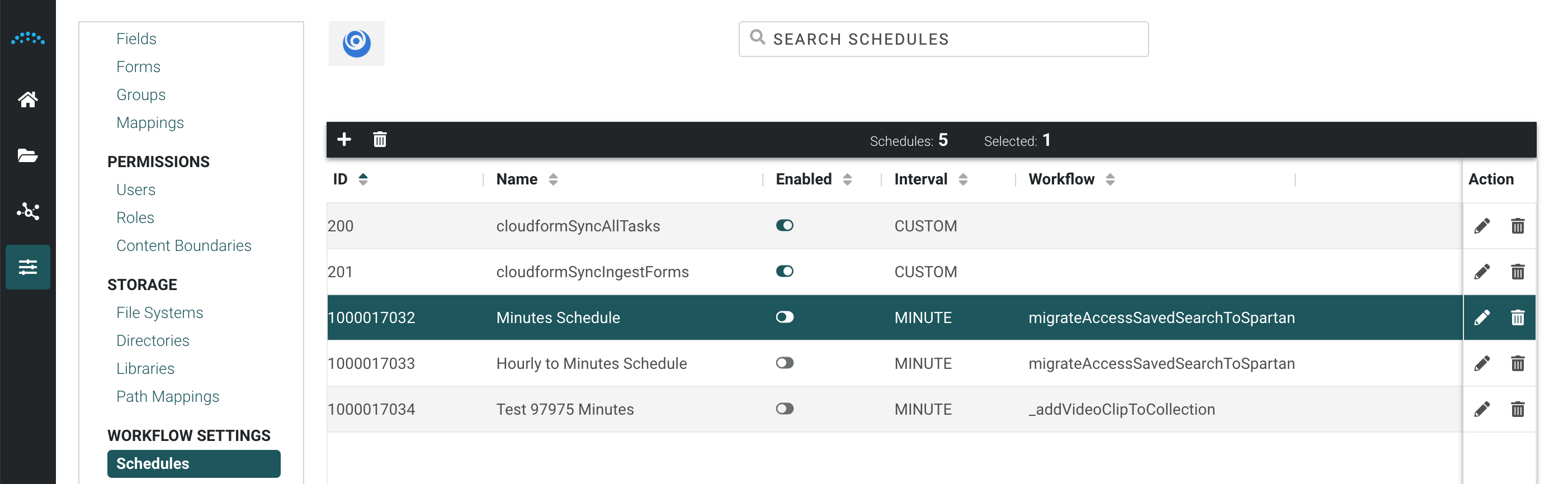
Using Data Def to support workflow scheduling
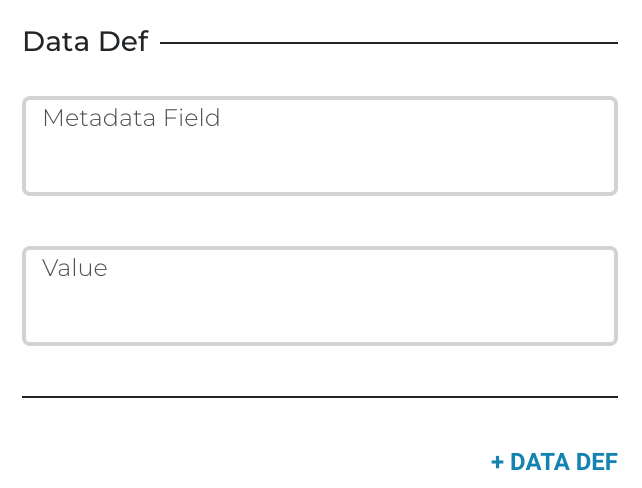
Edit Workflow DataDefs in the UI
Context Data Defs provide you with workflow variables that can be used to accept external input to your workflow, maintain and communicate data between steps and sub-flows, store the result of a workflow, and have a default value based on the fields of Assets or other Reach Engine DataObjects. When in Workflow Edit Mode in the UI I want to be able to view, add or edit the parameters of my workflows (datadefs) without editing XML or exporting/importing the workflow manually.
New In 2.17.4:
- When editing a workflow a new tab is displayed in the right curtain enabling an Administrator to view and edit the Context Data of a Workflow
- Data Def display order in a user input modal can be modified by dragging and dropping a Data Def up or down in the curtain
- Any of the existing DataDef attributes and their values can be edited
- Any changes to the data defs will be validated upon save to verify the workflow will be usable
- UI changes to data defs will be reflected in the Workflow XML the next time it is exported for advanced modification