Path Mappings
Path mappings provide a translator between two different storage systems. For example, if one storage uses Linux and another storage uses Windows, the path mappings translate the syntax so both storage locations can be used and understand each other. Currently, you can view and delete existing path mappings.
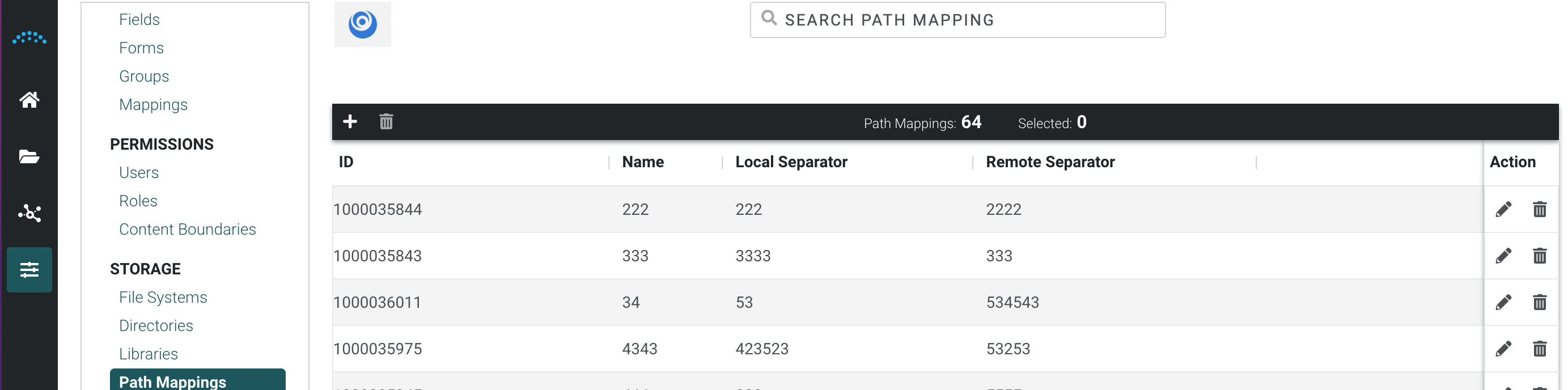
- Click Path Mapping in the left menu under STORAGE.
- To edit an existing path mapping, click the Edit icon in the Action column. Make the necessary changes and click Save.
- To delete an existing path mapping, click the Delete icon in the Action column.