Groups
Metadata groups contain metadata fields. Metadata groups are used to organize fields for visual representation inside Reach Engine, as well as for regulating visibility of fields. Through the use of categories and roles, administrators determine metadata groups visible to and editable by users.
Display and Search Metadata Groups
Click Groups in the left menu to display a list of existing metadata groups.
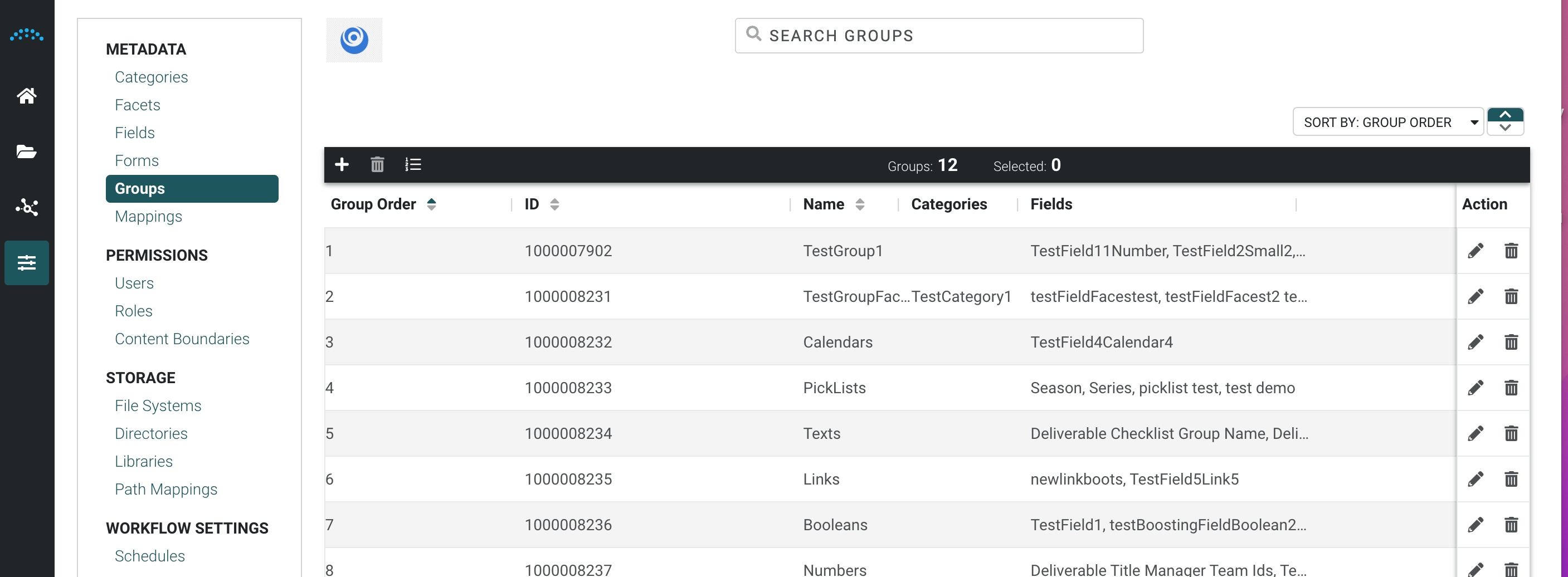
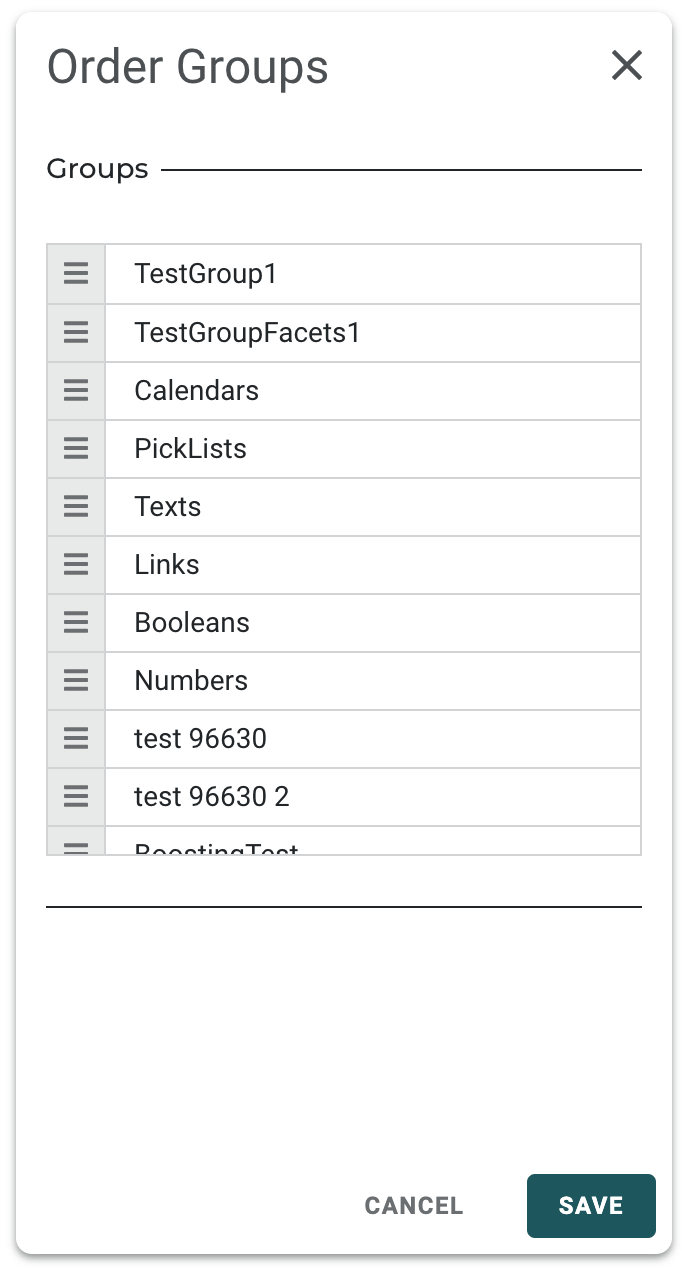
- To set a manual order on your groups select the Menu icon in the top left menu
Drag and drop the order in which you would like the groups to appear
To search for metadata groups, click in the Search box and enter your search term.
Create a Metadata Group
- Click the Add icon at the top left to open the Create Group panel.
- Enter a name.
The name you enter becomes the group's visible header throughout Reach Engine's applications.
- Select category/categories to associate the group to the category in the user interface.
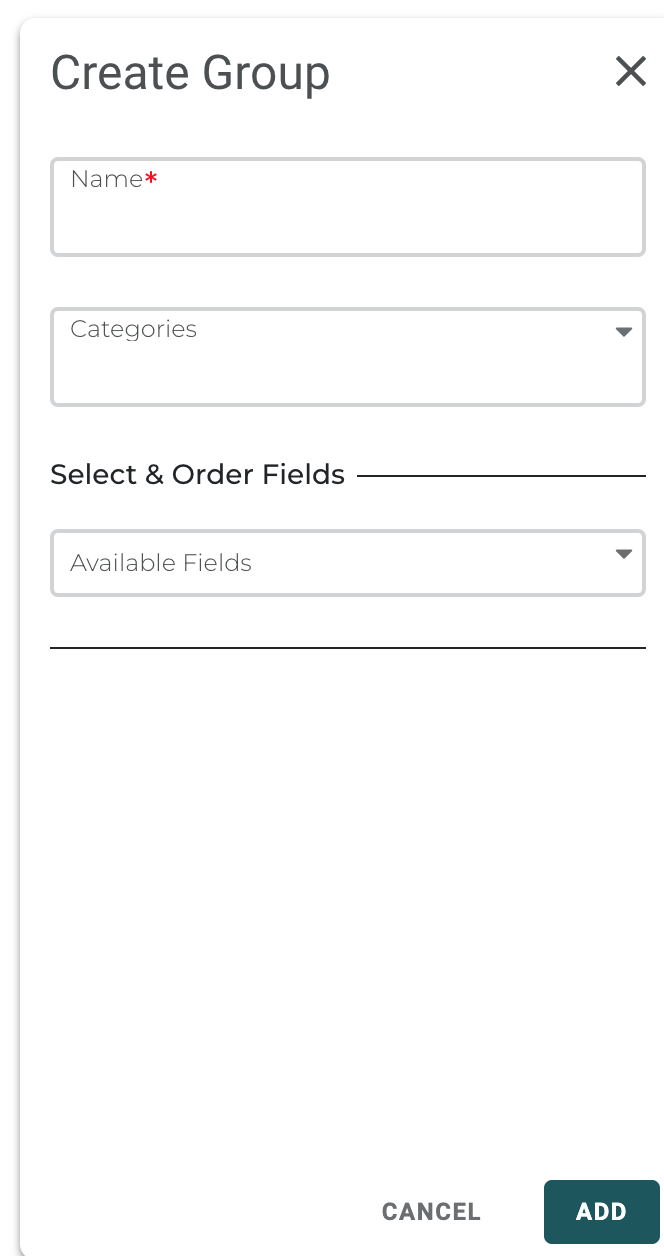
- Click Add.
Editing or Deleting Groups
To edit or delete a group, select it from the list and click Edit or Delete.