File Systems
A file system is the top level of your Reach Engine connected storage. You may have one or multiple types of storage that you manage content in.
To Create or Edit File Systems
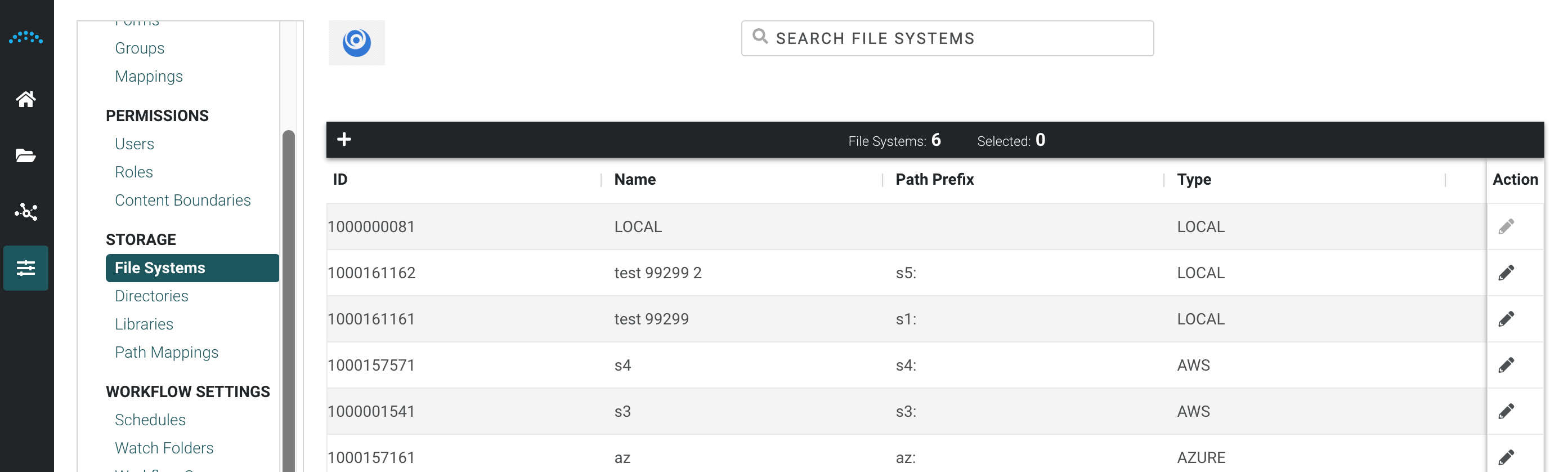
- Click Storage in the left menu, then click File Systems.
- To edit an existing file system, click the Edit icon in the Action column. Make the necessary changes and click Save.
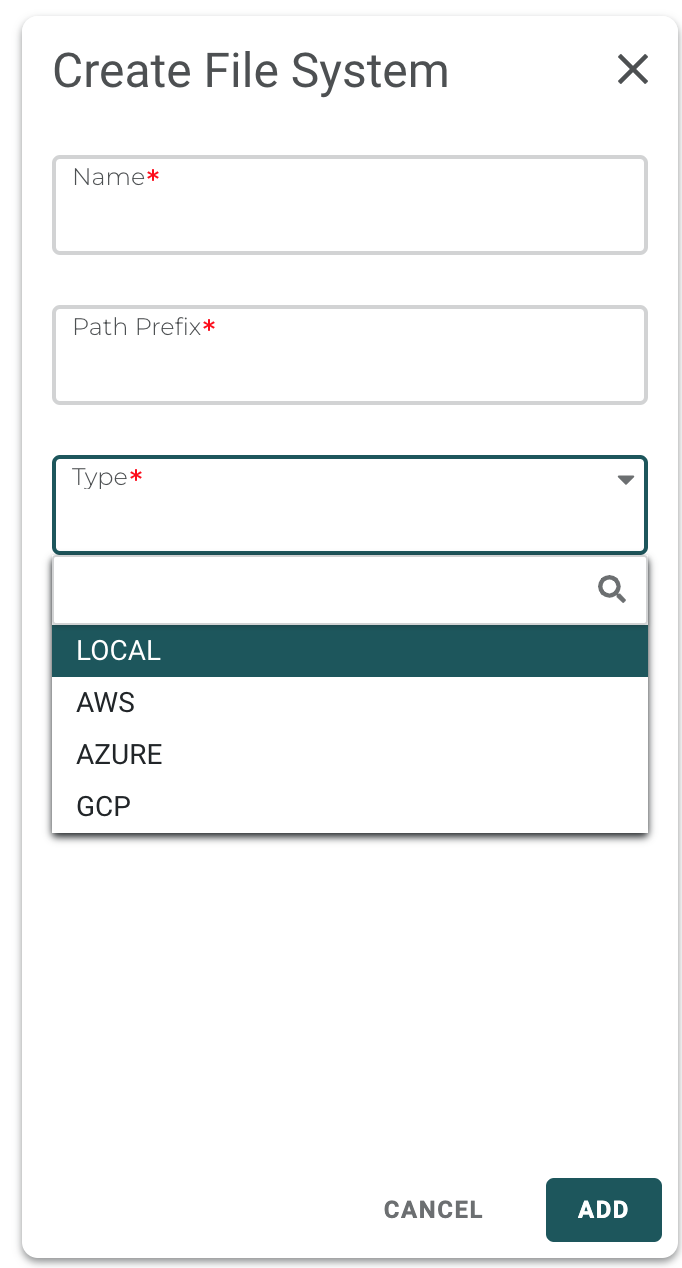
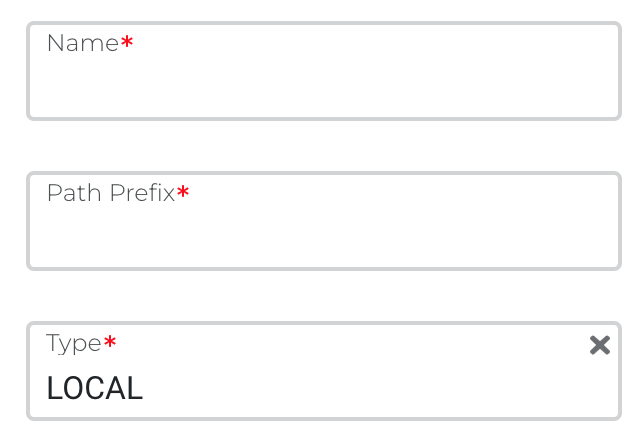
- For LOCAL the following properties are required
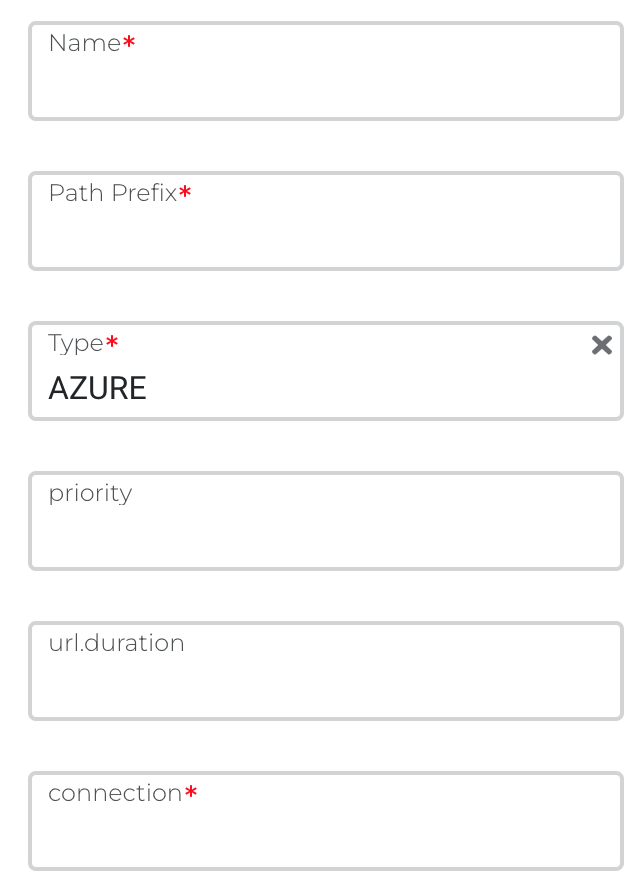
- For AZURE the following properties are required
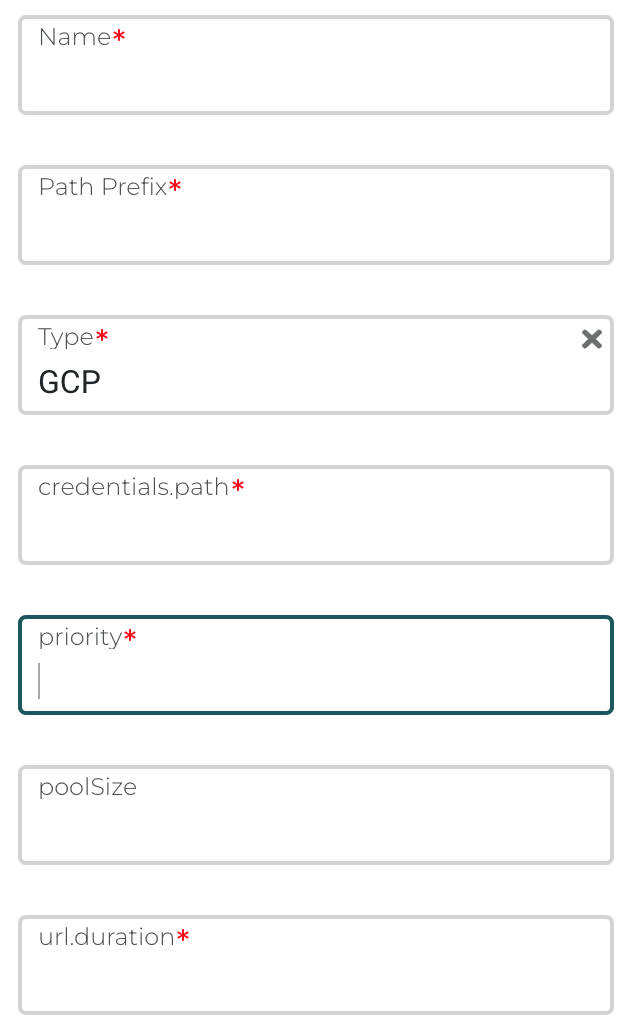
- GCP the following properties are required
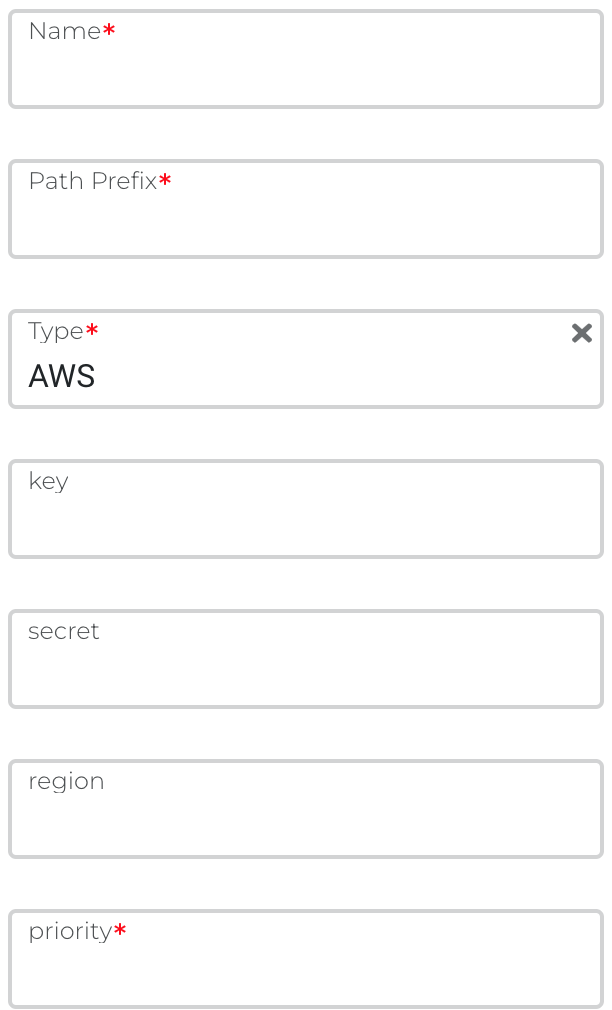
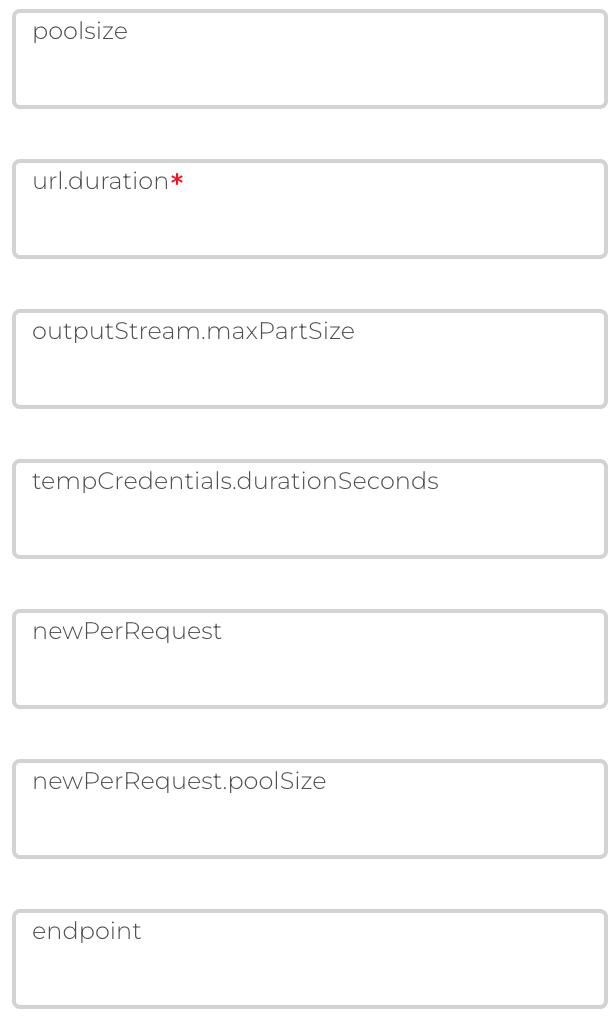
- For AWS the following properties are required
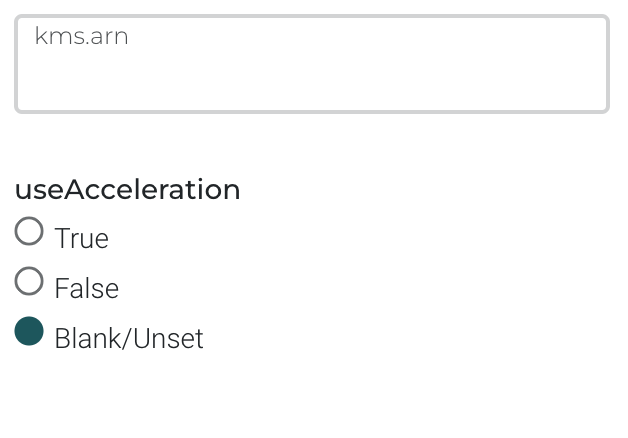
- Add support for KMS Encrypted Buckets by setting the kms.arn parameter.
AWS S3 Transfer Acceleration
With release 2.14, AWS S3 transfer acceleration is supported. S3 transfer acceleration must be enabled in the AWS Console first. Multiple file systems can be created and applied to the same bucket in order to apply acceleration to different use cases.
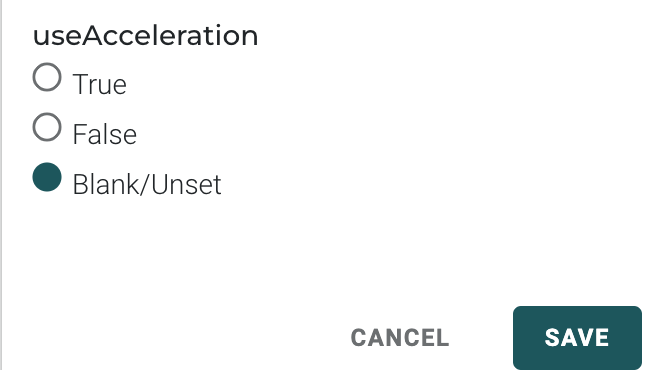
To use transfer acceleration, edit an existing file system and set useAcceleration to true at the bottom of the Edit panel.
Amazon S3 Transfer Acceleration is a bucket-level feature that enables fast, easy, and secure transfers of files over long distances between your client and an S3 bucket. Transfer Acceleration takes advantage of the globally distributed edge locations in Amazon CloudFront. As the data arrives at an edge location, the data is routed to Amazon S3 over an optimized network path. Setting acceleration to true may accelerate user file uploads and downloads. Amazon provides an S3 Transfer Acceleration comparison site: http://s3-accelerate-speedtest.s3-accelerate.amazonaws.com/en/accelerate-speed-comparsion.htmlWhen you use Transfer Acceleration, additional data transfer charges might apply. For more information about pricing, see Amazon S3 pricing