Content Boundaries
Content boundaries are new easy to use toolset that allows administrator to build complex permission conditions to limit end user access to off limit content. Administrator can build, preview and save content boundaries and then apply those boundaries to a role that can be assigned to a user. The powerful visual builder enables click and build sequel statements and the content preview feature demonstrates if you are on the right track.
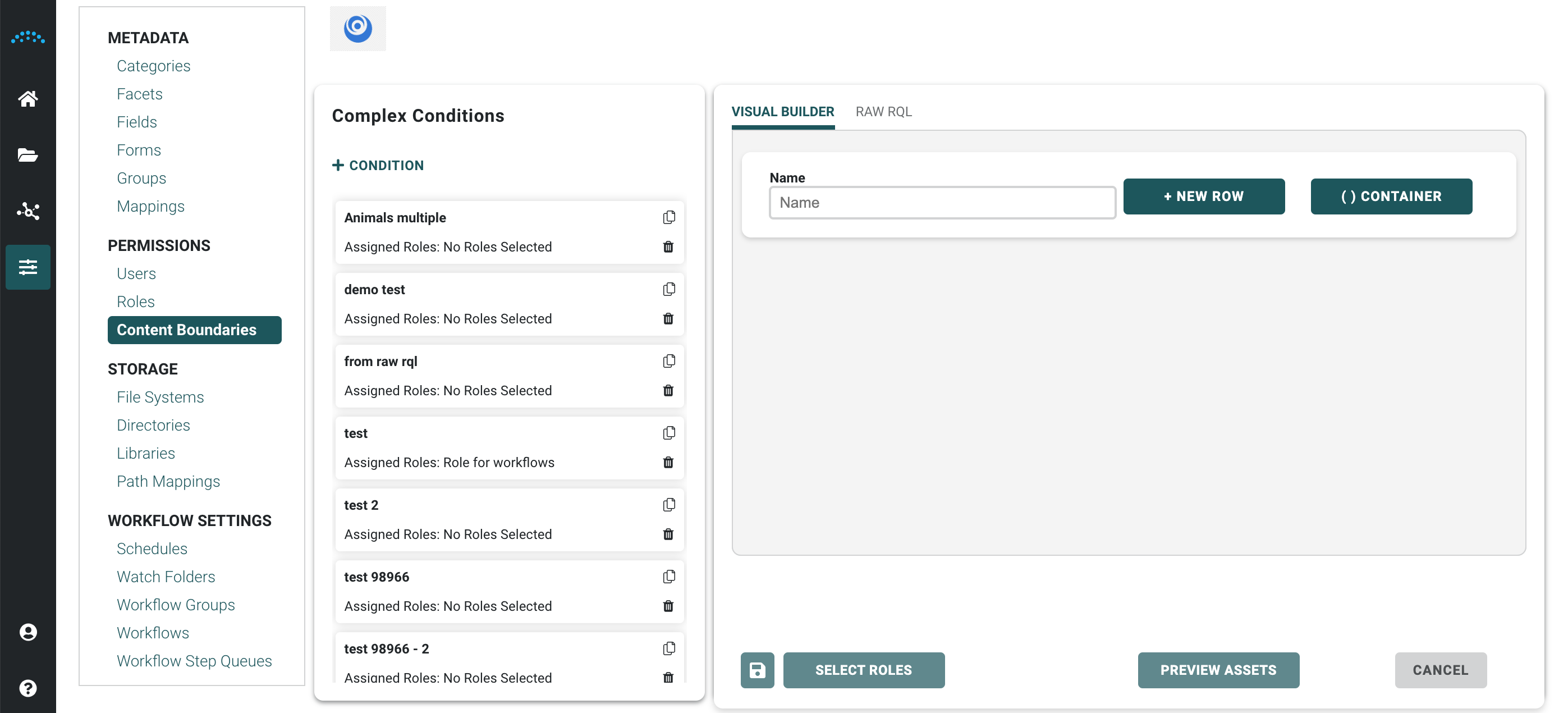
Create and Edit Content Boundaries
- Choose a complex condition from the list of conditions
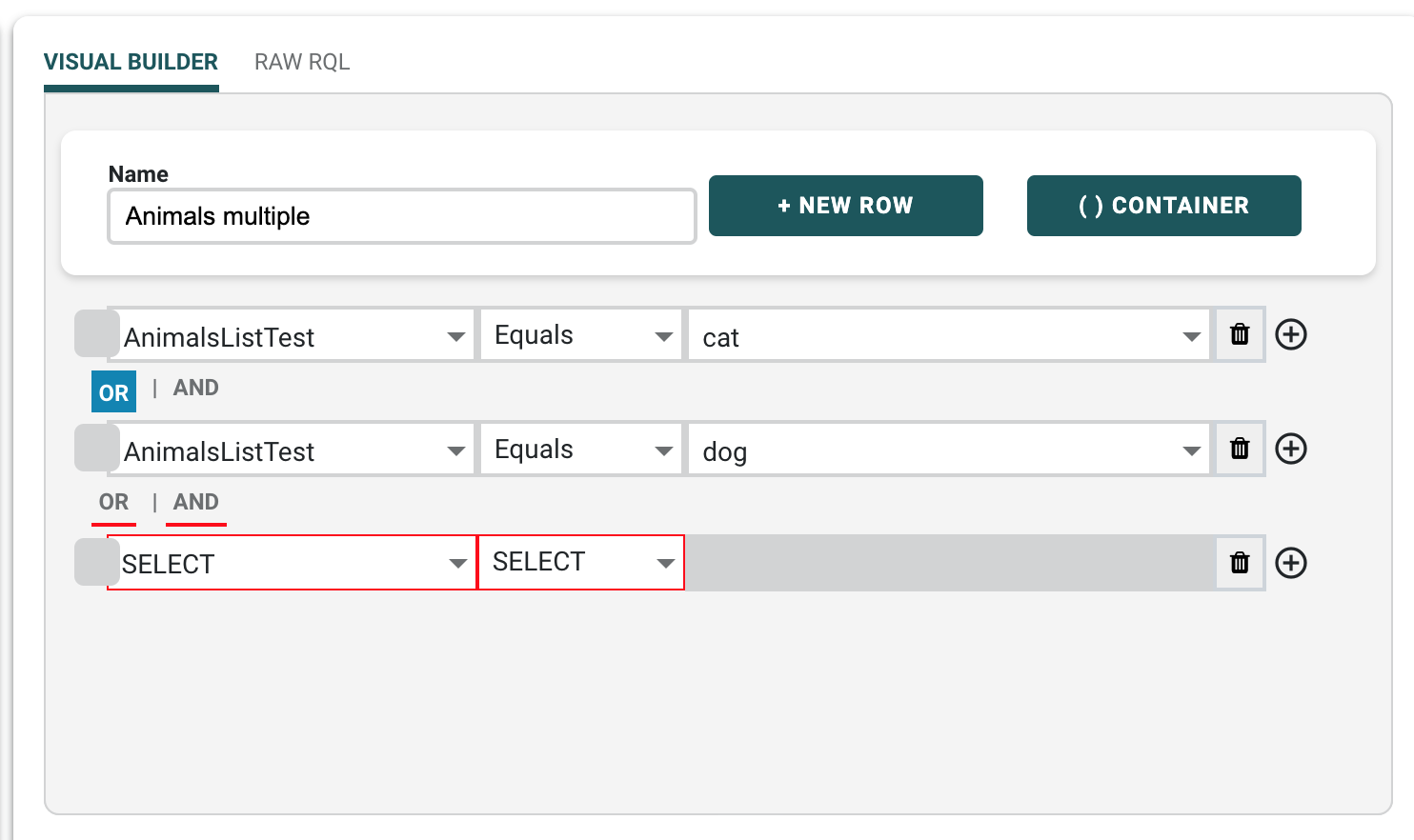
- Add an statement or edit an existing condition.
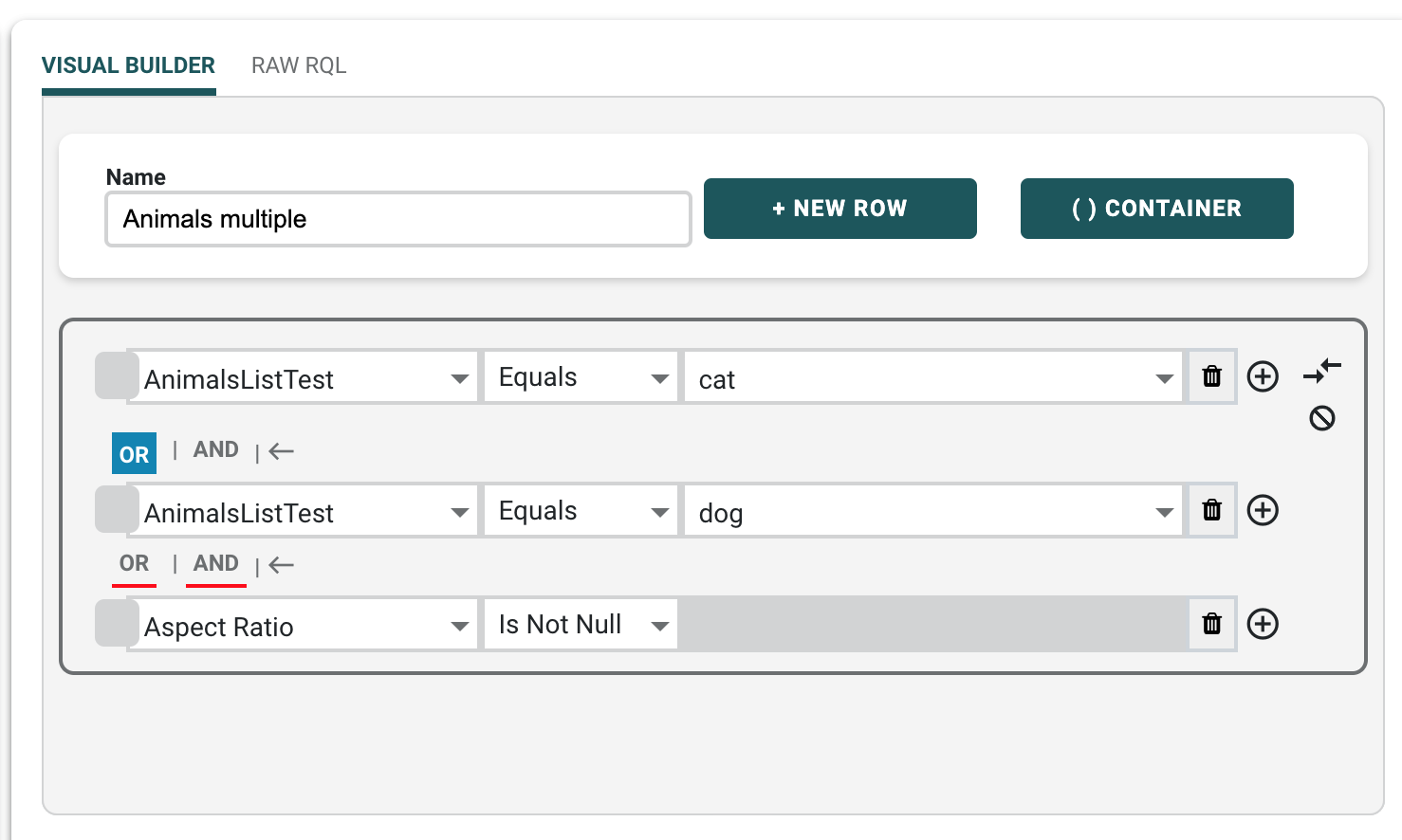
- Select which conditions to keep in the container by
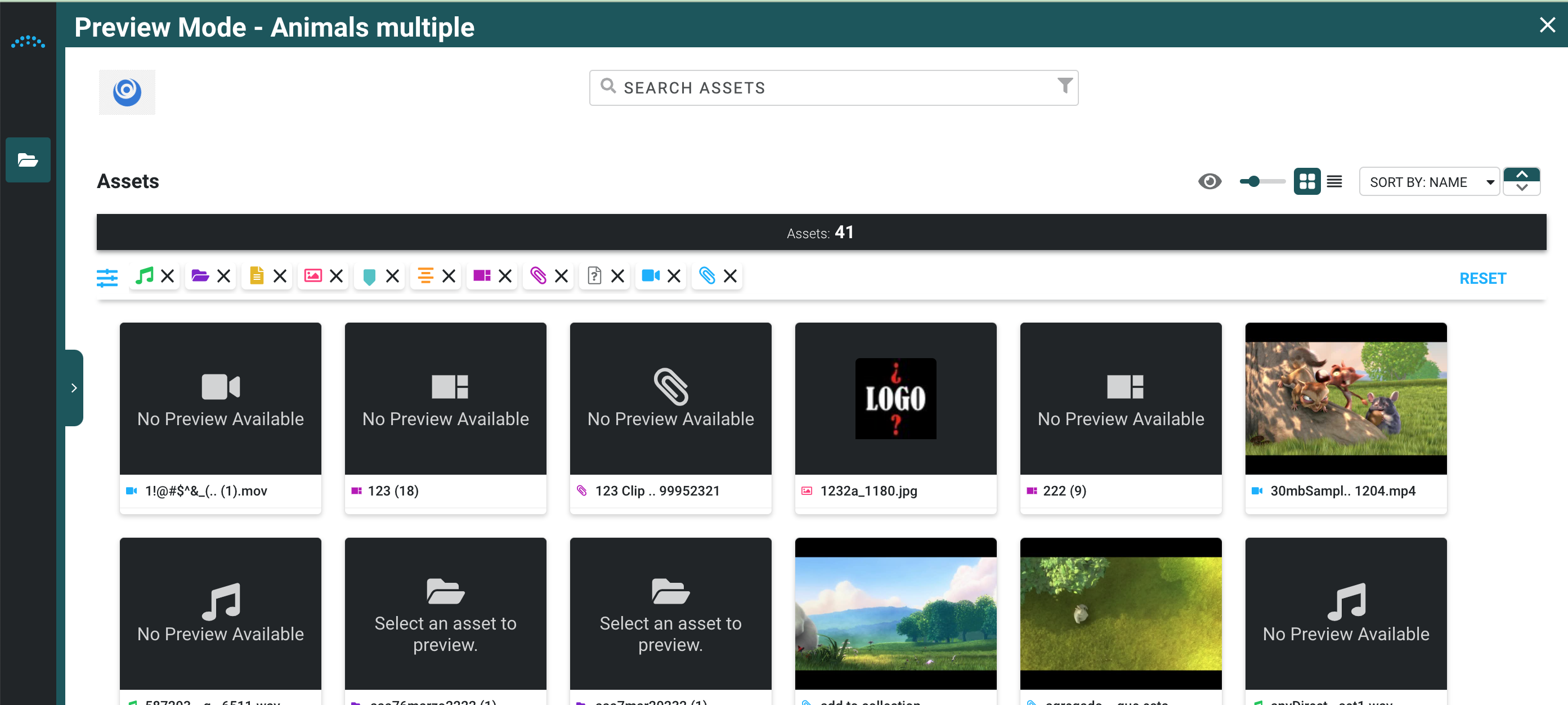
- Select Preview Assets
The Preview Mode identification is located in the top left of the library preview
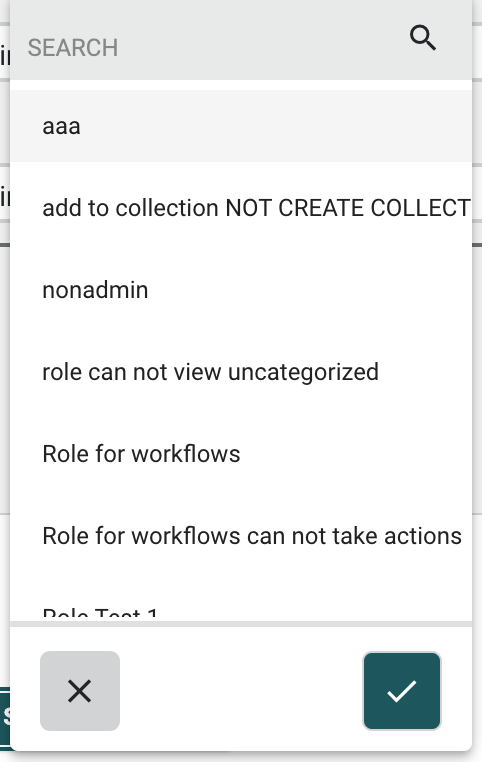
- Choose Select Roles to assign the content boundary
To search for a specific role enter role name in the search field.
- Select SAVE icon
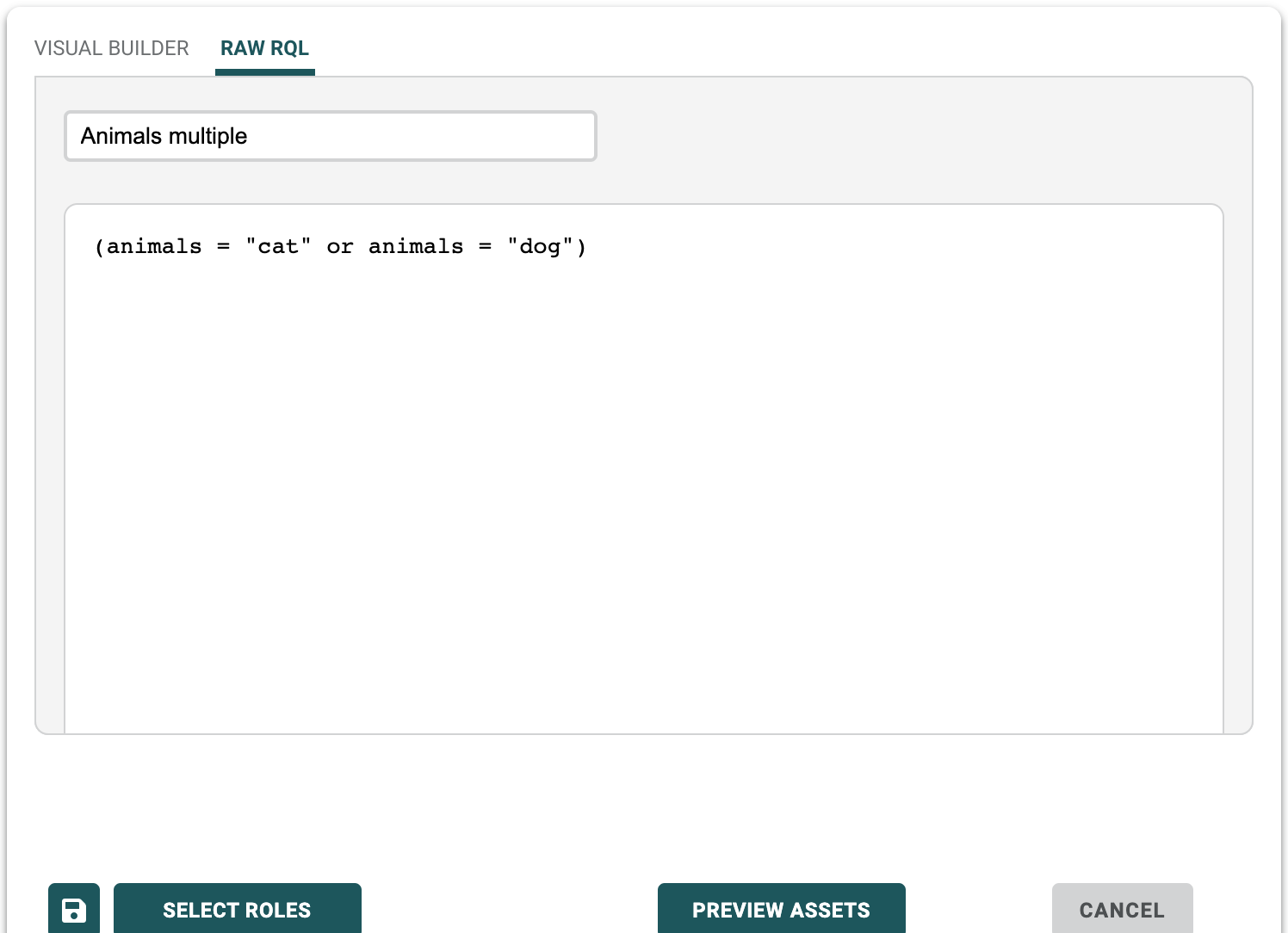
Using RQL to build content boundaries
To use RQL to build content boundaries, click RAW RQL to open the editor.